DIY Digital Weight Scale with Micro:bit and HX711
Tutorial plan
1- Objective of the project
2- Required Components
3- Circuit Connections of system
4- Makecode program of Micro:bit Weight Scale
Objective of the project
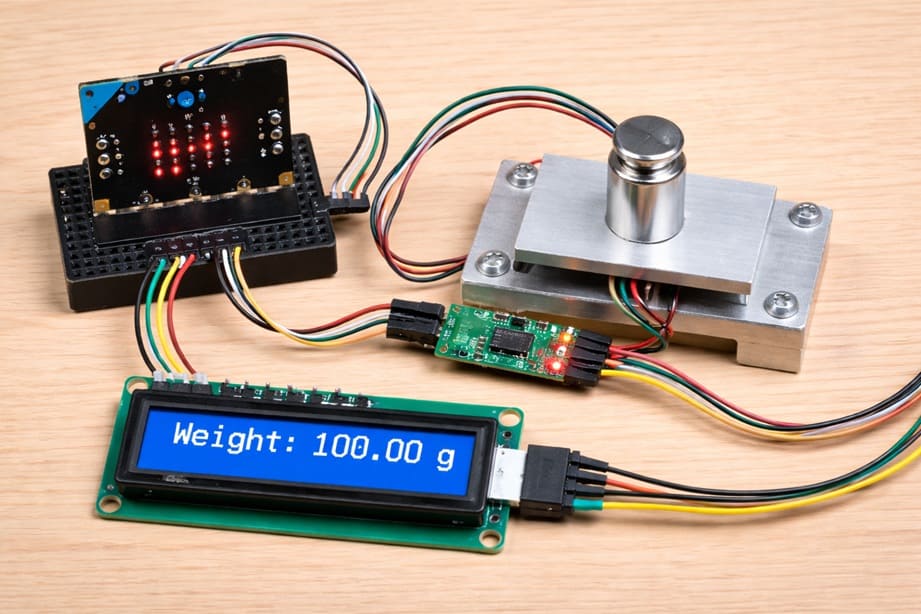
The objective of this project is to design and build a DIY digital weight scale using the Micro:bit, HX711 amplifier module, load cell sensor, and LCD I2C display. The system is intended to measure the weight of objects accurately and display the result on the LCD screen. This project helps learners understand how weight measurement systems work and how to interface sensors and display modules with the Micro:bit. It also introduces the concepts of signal amplification, digital data acquisition, and real-time display.
The functioning of the project is based on the load cell sensor detecting the force applied when an object is placed on it. The load cell generates a very small electrical signal proportional to the weight. The HX711 module amplifies this signal and converts it into a digital value that the Micro:bit can read. The Micro:bit then processes this value, converts it into weight units such as grams, and sends the result to the LCD I2C display, where the measured weight is shown in real time.
Required Components
1. BBC Micro:bit (Microcontroller)
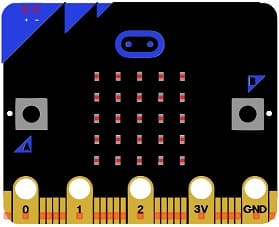
The Micro:bit is the main controller of the system. It reads the digital data from the HX711 module, processes the values, converts them into weight units (grams), and sends the result to the LCD I2C display. It acts as the brain of the digital scale.
2. GPIO Extension Card for Micro:bit
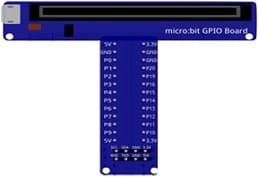
The GPIO extension card Expands the number of usable input/output pins on the Micro:bit, making it easier to connect multiple components like the HX711 Module and LCD display.
3. Load cell sensor
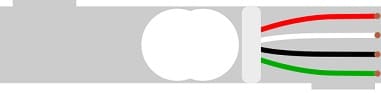
The load cell is the weight sensor used to detect the mass of an object. When a weight is placed on it, the sensor slightly deforms and produces a very small electrical signal proportional to the applied force. This signal represents the measured weight.
4. HX711 amplifier module
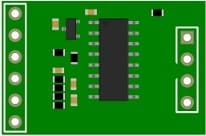
The load cell is the weight sensor used to detect the mass of an object. When a weight is placed on it, the sensor slightly deforms and produces a very small electrical signal proportional to the applied force. This signal represents the measured weight.
5. LCD Display with I2C Module

The LCD I2C display is used to show the measured weight. It receives data from the Micro:bit and displays the weight value in real time.
6. Breadboard
A breadboard is used to assemble the circuit without soldering. It makes it easy to connect and modify the components during testing and development.
7. Jumper Wires

Jumper wires are used to connect the Micro:bit, HX711 module, load cell, and LCD display together. They ensure proper electrical connections between all components.
Circuit Connections of system
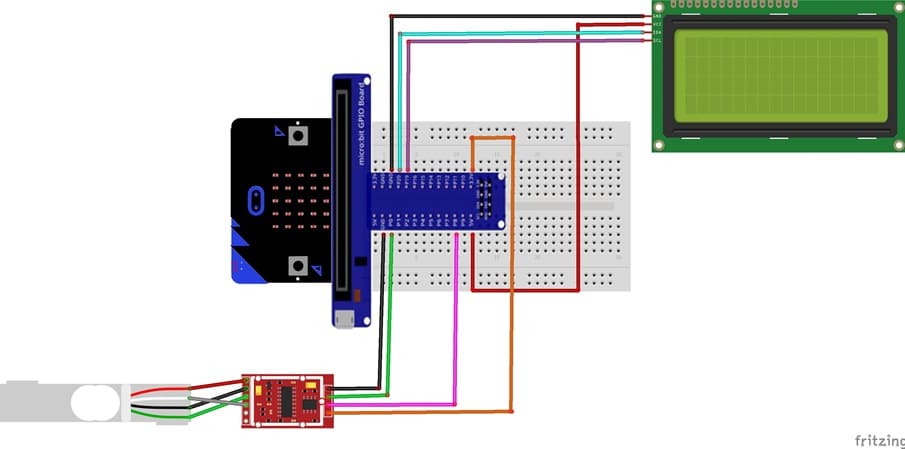
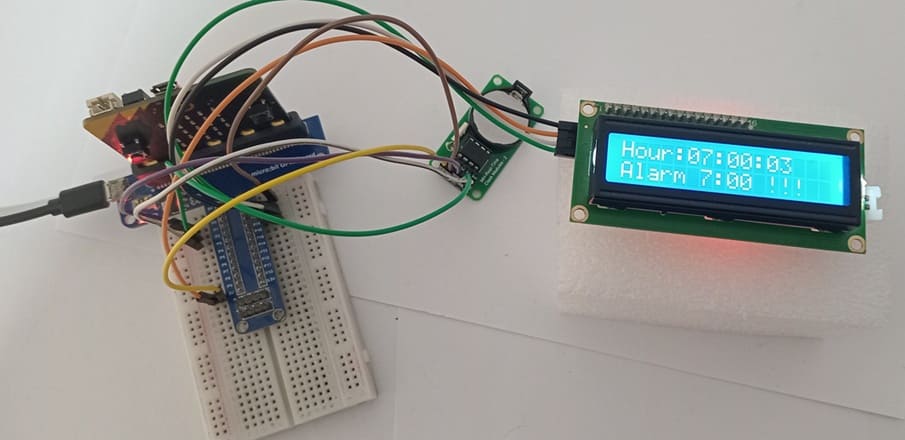
1- Connection of Load cell sensor to HX711 module
| Load cell sensor | HX711 module |
|---|---|
| Red | E+ |
| Black | E- |
| White | A- |
| Green | A+ |
2- Connection of HX711 module to Micro:bit
| HX711 | Micro:bit |
|---|---|
| VCC | 3V |
| GND | GND |
| DT | P0 |
| SCK | P8 |
3- Connection of LCD I2C display to Micro:bit
| LCD I2C display | Micro:bit |
|---|---|
| VCC | 5V of GPIO card |
| GND | GND |
| SDA | P20 |
| SCL | P19 |
Makecode program of Micro:bit Weight Scale
1- Open MakeCode (makecode.microbit.org).
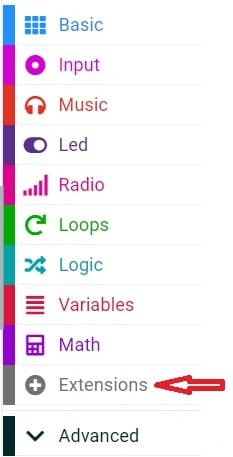
2- Click on Extensions.
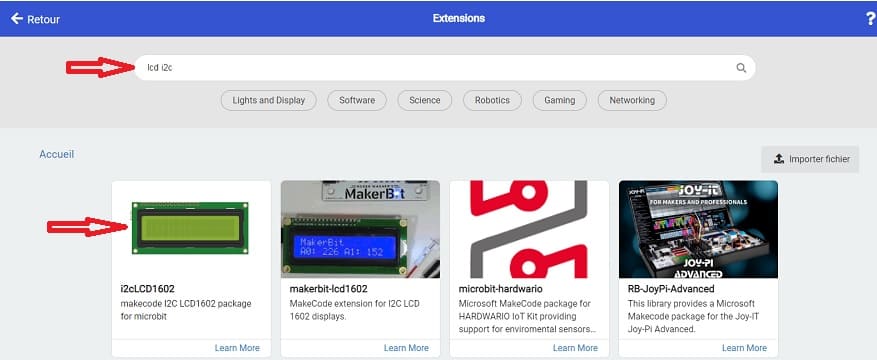
3- In the search bar, type "I2C LCD," and you should find an extension for the I2C LCD display. Add it to your project.
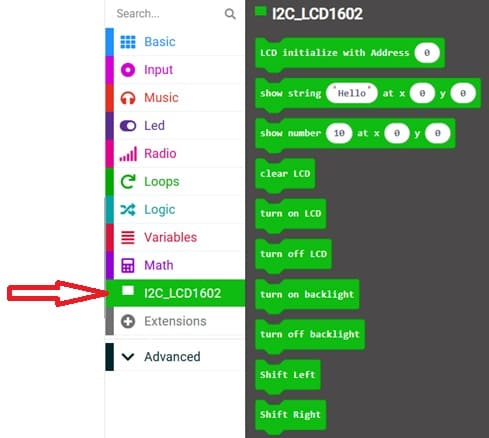
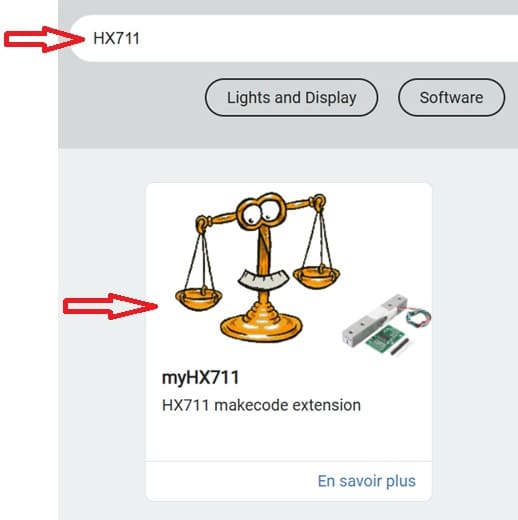
4- In the search bar, type "HX711" and you should find an extension for HX711 module. Add it to your project.
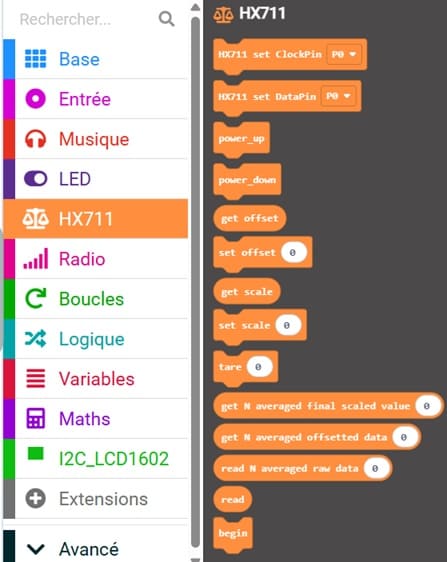
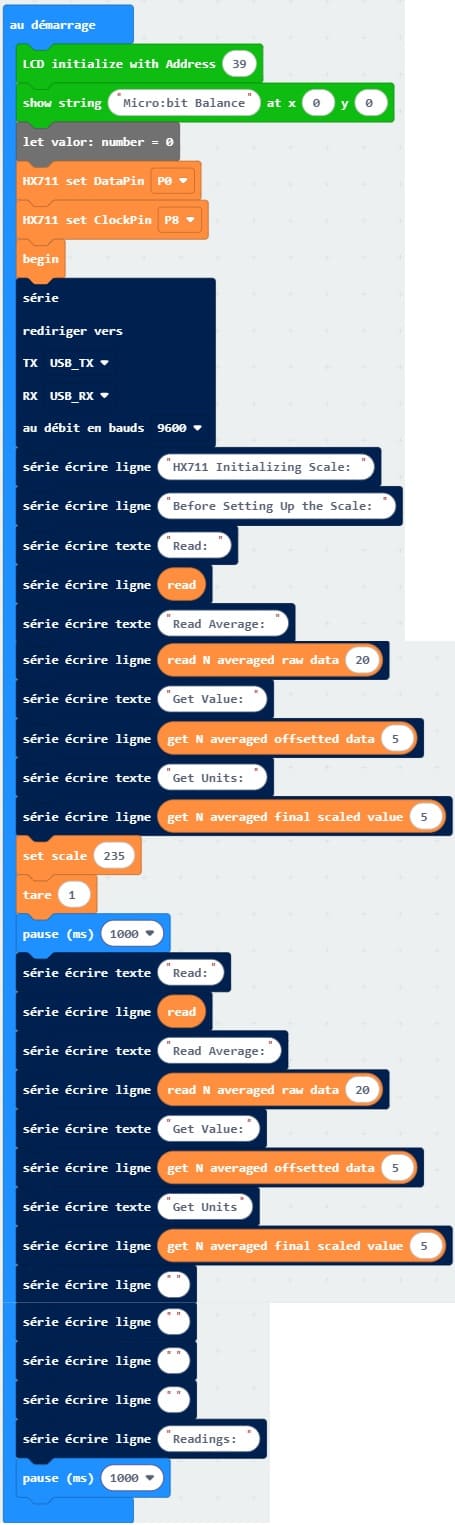
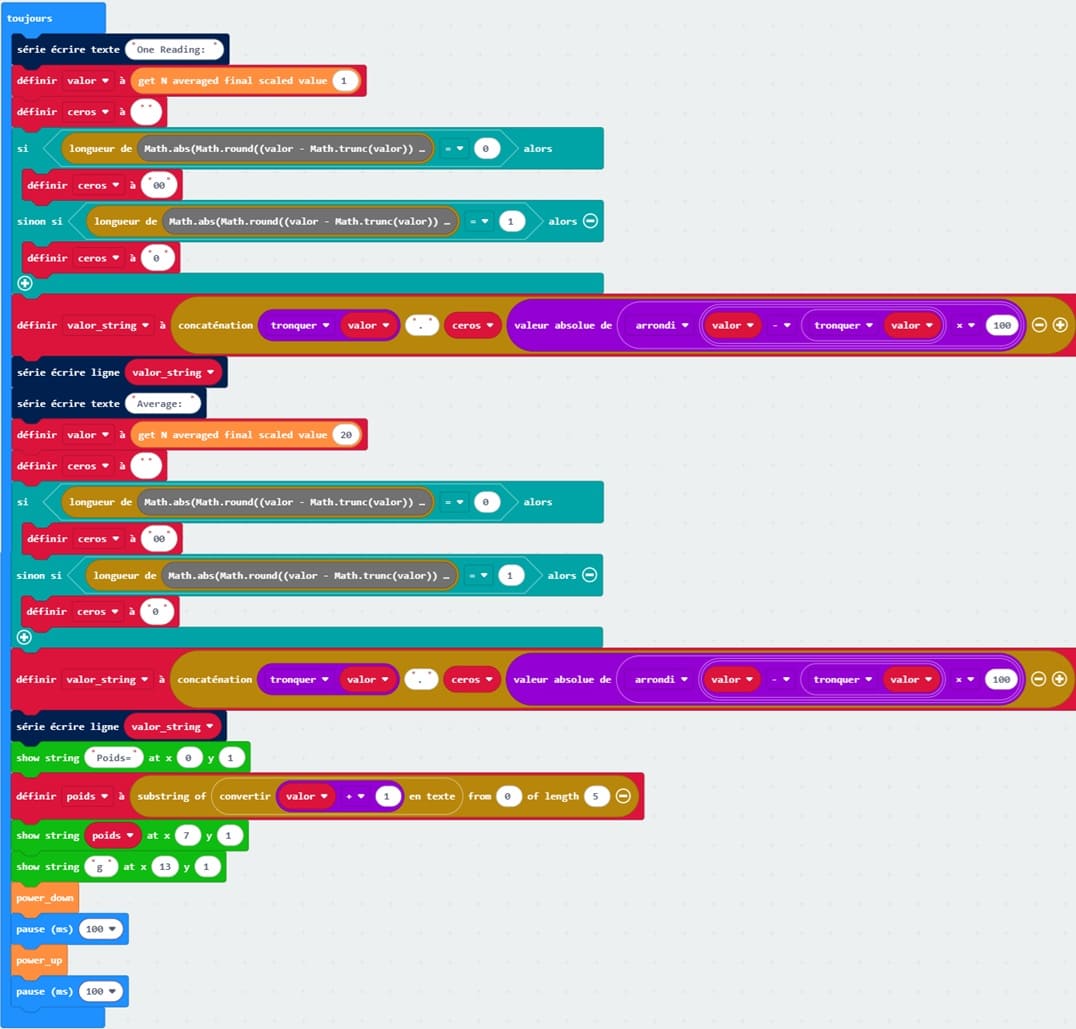
This MakeCode program allows the Micro:bit to measure weight using the HX711 load cell amplifier and display the result on an LCD I2C screen, while also sending data to the serial monitor for debugging.
Télécharger programme
0 comment
Leave a comment
Passion for robotics

Recent tutorials

Robotics workshop

Polpular tutorials




Making robots

Most commented tutorials



Robotic arm

Categories
Smart Home